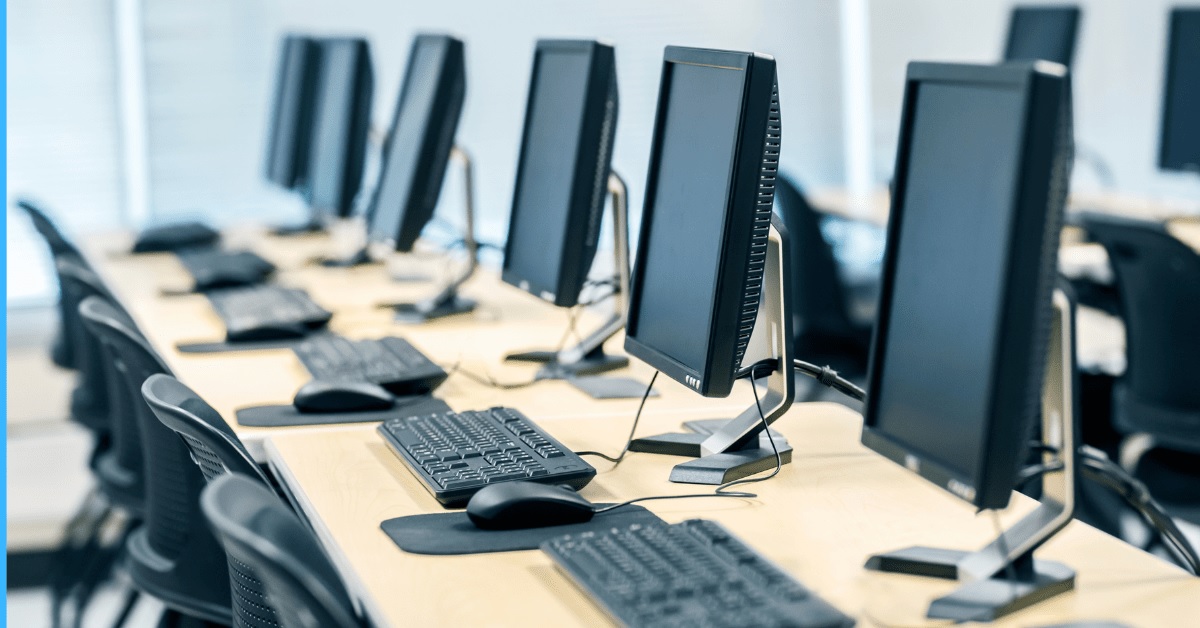
Computers have revolutionized the way we live, work, and communicate. From personal desktops to powerful supercomputers, these machines are an integral part of modern society. They are used in education, business, healthcare, entertainment, and even scientific research. Understanding computers, their history, types, and components, as well as their applications, is crucial for anyone navigating the digital world.
What Is a Computer?
A computer is an electronic device that processes data according to instructions provided by software. It can perform calculations, manage information, and execute complex tasks with remarkable speed and accuracy. At its core, a computer converts input into output through a series of processes, enabling users to accomplish tasks efficiently.
The fundamental characteristics of a computer include:
- Speed: Computers can process data faster than any human.
- Accuracy: They perform operations with minimal errors when programmed correctly.
- Automation: Once programmed, a computer can perform tasks without continuous human intervention.
- Storage: Computers can store large amounts of data for future use.
- Versatility: They can perform a wide range of tasks from basic calculations to complex simulations.
History of Computers
The evolution of computers spans centuries, from manual calculation devices to advanced modern machines.
Early Calculating Devices
- Abacus (circa 2400 BC): One of the first tools for arithmetic calculations.
- Mechanical Calculators (17th century): Invented by Blaise Pascal and Gottfried Wilhelm Leibniz, capable of basic arithmetic operations.
First Generation Computers (1940s–1950s)
- Used vacuum tubes for processing.
- Large, expensive, and consumed significant power.
- Example: ENIAC (Electronic Numerical Integrator and Computer).
Second Generation Computers (1950s–1960s)
- Introduced transistors, replacing vacuum tubes.
- Smaller, faster, and more reliable than first-generation machines.
Third Generation Computers (1960s–1970s)
- Integrated circuits allowed more compact designs.
- Introduced operating systems to manage hardware efficiently.
Fourth Generation Computers (1970s–1990s)
- Microprocessors enabled the development of personal computers.
- Faster processing and reduced size made computers accessible to homes and offices.
Fifth Generation Computers (1990s–Present)
- Incorporate artificial intelligence (AI), machine learning, and parallel processing.
- Enable applications such as voice recognition, robotics, and complex simulations.
Types of Computers
Computers are classified based on their size, performance, and functionality.
Personal Computers (PCs)
- Designed for individual use.
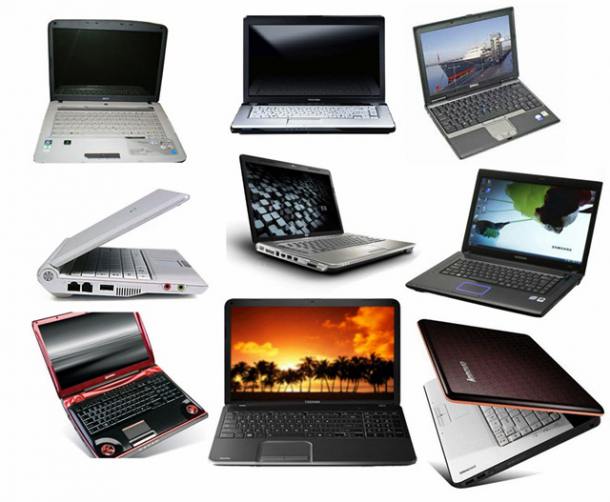
- Includes desktops and laptops.
- Used for tasks such as web browsing, document creation, gaming, and media consumption.
Workstations
- High-performance computers for specialized tasks like graphic design, video editing, and scientific simulations.
- Offer more processing power and memory than standard PCs.
Servers
- Provide resources and services to other computers over a network.
- Used in businesses for web hosting, file storage, and email management.
Mainframe Computers
- Large and powerful machines capable of handling thousands of simultaneous users.
- Used in banks, government institutions, and large enterprises.
Supercomputers
- Extremely fast computers designed for complex calculations, simulations, and scientific research.
- Applications include climate modeling, space exploration, and cryptography.
Components of a Computer
A computer consists of hardware and software components working together to perform tasks.
Hardware Components
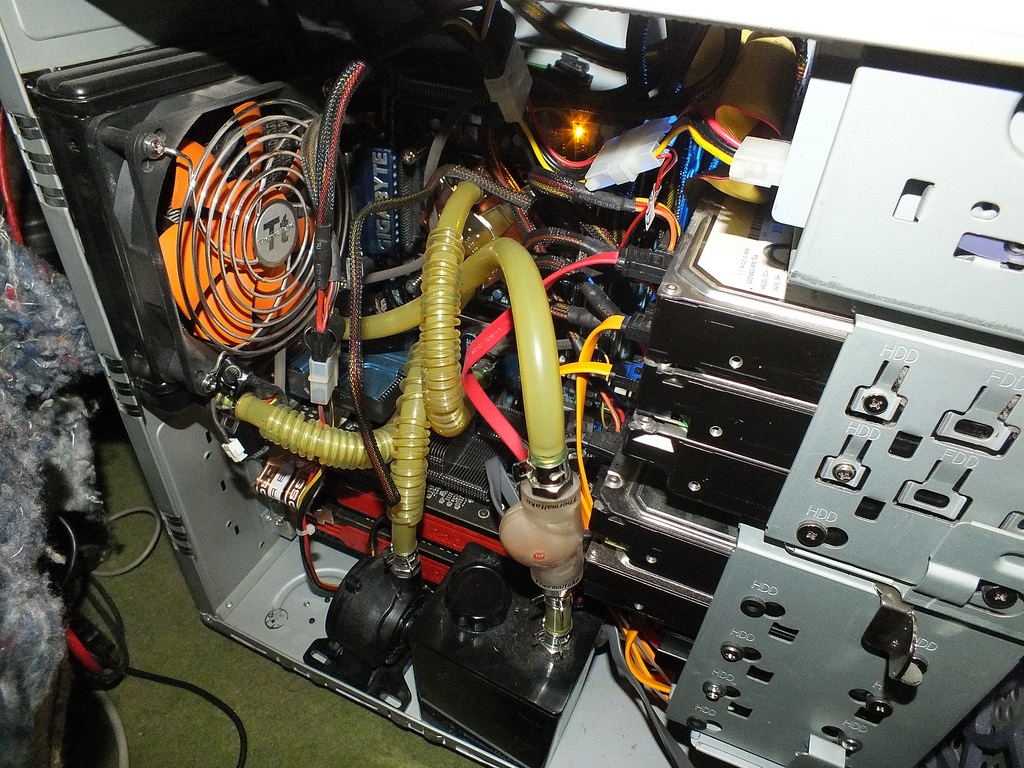
- Central Processing Unit (CPU): The brain of the computer, responsible for executing instructions.
- Memory (RAM): Temporary storage used to hold data currently being processed.
- Storage Devices: Hard drives (HDDs), solid-state drives (SSDs), and external storage for long-term data retention.
- Input Devices: Keyboards, mice, scanners, and microphones to provide data to the computer.
- Output Devices: Monitors, printers, and speakers to display or communicate processed information.
- Motherboard: Main circuit board connecting all components, allowing communication between CPU, memory, and peripherals.
- Power Supply Unit (PSU): Provides electrical power to the computer’s components.
Software Components
- Operating System (OS): Manages hardware and software resources, providing a user interface. Examples include Windows, macOS, and Linux.
- Application Software: Programs designed for specific tasks such as word processing, spreadsheets, or graphic design.
- Utility Software: Tools for maintenance, antivirus protection, and data management.
Modern Uses of Computers
Computers are indispensable across multiple sectors, enhancing efficiency, productivity, and creativity.
Education
- Facilitate online learning, research, and virtual classrooms.
- Applications like Google Classroom and Zoom make learning more interactive.
Business and Finance
- Manage accounting, payroll, customer relations, and inventory.
- Enable e-commerce platforms and digital marketing strategies.
Healthcare
- Support electronic medical records (EMRs), telemedicine, and diagnostic imaging.
- Aid in research for drug development and treatment plans.
Entertainment
- Power video games, streaming services, and digital content creation.
- Support virtual reality (VR) and augmented reality (AR) experiences.
Scientific Research
- Supercomputers simulate complex phenomena like climate patterns, molecular structures, and space exploration.
- Enable data analysis for large-scale experiments.
Trends in Computing for 2025
The computing landscape continues to evolve with emerging technologies shaping the future.
- Artificial Intelligence (AI): AI-driven computers can learn, adapt, and make predictions.
- Quantum Computing: Promises unprecedented processing power for cryptography, optimization, and scientific simulations.
- Edge Computing: Processes data closer to the source, reducing latency for real-time applications.
- Cloud Computing: Provides scalable resources and storage, supporting remote work and collaboration.
- Green Computing: Focuses on energy-efficient hardware and sustainable practices.
Best Practices for Computer Usage
To maximize performance, security, and longevity, consider these practices:
- Regularly update software and operating systems.
- Use strong passwords and enable two-factor authentication.
- Maintain antivirus and firewall protection.
- Backup important data to cloud or external storage.
- Avoid overloading the system with unnecessary programs or files.
- Clean hardware components periodically to prevent dust accumulation.
Conclusion
Computers have transformed every aspect of modern life, from personal convenience to global business operations. Understanding their history, types, components, and applications is crucial for navigating the digital era. By embracing modern trends and following best practices, users can optimize the performance and utility of computers while staying secure and productive.
FAQs About Computers
1. What is the main difference between a desktop and a laptop computer?
Desktops are stationary, typically more powerful, and easily upgradeable, whereas laptops are portable and designed for mobility with integrated components.
2. How do supercomputers differ from personal computers?
Supercomputers are designed for highly complex calculations, simulations, and large-scale data processing, while personal computers handle general-purpose tasks for individual users.
3. Why is RAM important in a computer?
RAM provides temporary storage for data actively used by the CPU, allowing faster access and smoother multitasking.
4. What is the role of the operating system in a computer?
The operating system manages hardware and software resources, provides a user interface, and facilitates communication between applications and hardware.
5. How can I improve my computer’s performance?
Regularly update software, remove unnecessary programs, upgrade RAM or storage, and maintain antivirus protection.
6. What is quantum computing, and how is it different from classical computing?
Quantum computing uses quantum bits (qubits) that can represent multiple states simultaneously, enabling exponentially faster calculations compared to classical binary computing.
7. Are computers essential for modern education?
Yes, computers enable online learning, research, digital collaboration, and access to educational resources, making them indispensable in modern education.
This article provides an in-depth understanding of computers, from their origins and components to their applications and future trends, offering readers a complete overview of these essential digital tools.